General Questions
Q1: What CPU platforms does the ZHUQUE Upgraded Version support?
A: The ZHUQUE Upgraded Version is compatible with mainstream Intel and AMD platforms, including:
-Intel: LGA 115X/1200/1700/1851/1366/17XX
- AMD: AM4/AM5
An all-metal mounting kit is included, ensuring secure installation across most modern processors.
Q2: What is the TDP of this cooler? Can it handle an Intel Core i7 or AMD Ryzen 7?
A: The ZHUQUE Upgraded Version has a "95W TDP" rating. It easily handles mainstream mid-range processors like the Intel Core i5/i7 and AMD Ryzen 5/7 for daily gaming, office work, and content creation.
Note: For flagship processors like Intel Core i9 or AMD Ryzen 9, we recommend our higher-performance dual-tower or liquid cooling series.
Q3: Does the fan have RGB lighting? Can it sync with my motherboard?
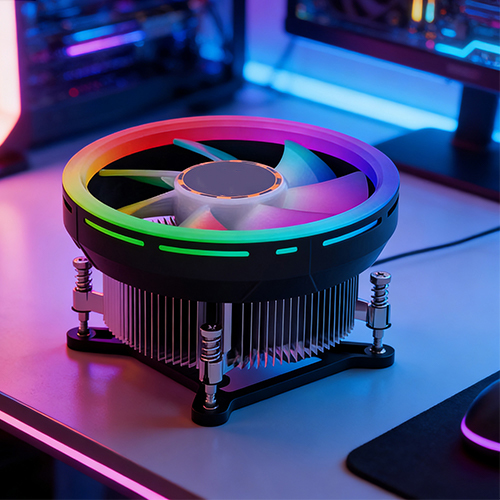
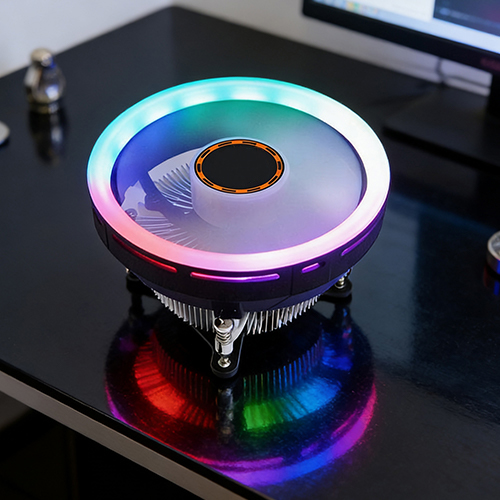
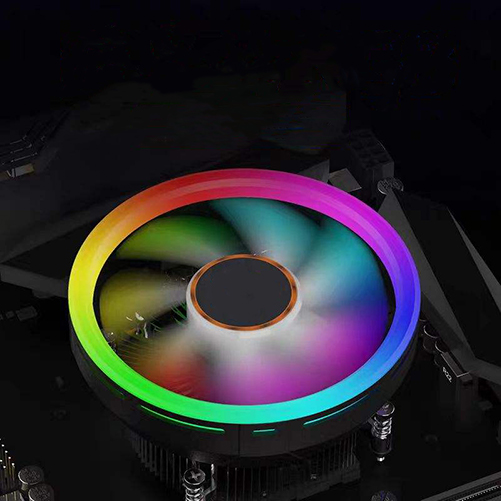
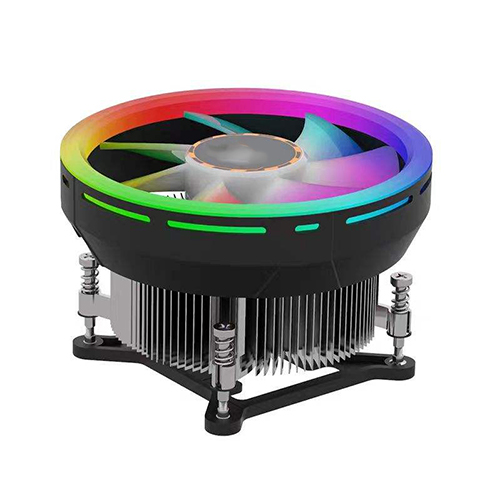
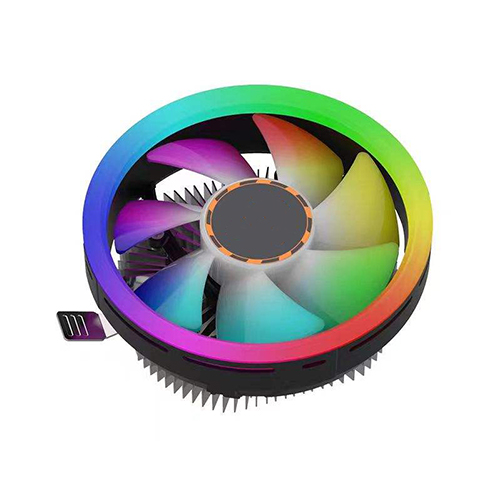
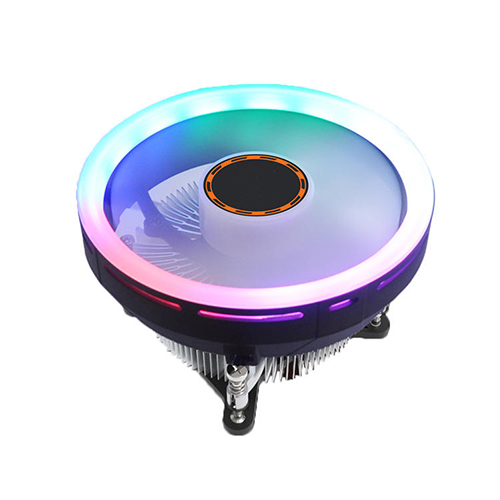
A: Yes, the ZHUQUE Upgraded Version features a "124mm RGB fan" with a "fixed-color RGB ring" on the fan frame. While it does not support programmable ARGB synchronization, it provides a subtle and stylish lighting effect.
For fully customizable ARGB lighting with motherboard sync, check out our J-series or Kylin series coolers.
Installation Questions
Q4: Is thermal paste included?
A: Yes! High-quality thermal paste is "pre-applied" to the base of the cooler. The fan is also pre-installed on the heatsink, so it's ready to install right out of the box.
Q5: Is the ZHUQUE Upgraded Version difficult to install?
A: Not at all. Installation is simple:
1. Select the correct backplate and brackets for your CPU socket
2. Install the backplate on the rear of the motherboard
3. Place the cooler onto the CPU (thermal paste is already applied)
4. Secure the cooler with the mounting brackets
5. Connect the fan power cable to your motherboard
Illustrated instructions are included, and you can scan the QR code in the manual for a video tutorial.
Performance Questions
Q6: How loud is the fan?
A: At maximum speed (1900 RPM), the fan operates at "≤35 dBA" – similar to a quiet library. Under normal use, the fan runs much quieter. The 3-pin connector supports voltage control (DC mode), allowing you to adjust the fan curve in BIOS for even quieter operation.
Q7: What kind of fan connector does it use? Can I control the speed?**
A:** The fan uses a **3-pin connector** and supports **voltage control (DC mode)** for speed adjustment. You can set a custom fan curve in your motherboard's BIOS to automatically regulate speed based on CPU temperature.
Technical Questions
Q8: Will this cooler fit in my small form factor (ITX) case?
A: The fan measures 124 × 124 × 32 mm. We recommend checking your case's maximum CPU cooler height clearance before purchasing. For compact ITX builds, consider our G5 or J8 series designed specifically for smaller cases.
Q9: Is the fan bearing replaceable? What type of bearing does it use?
A: The fan bearing is not user-replaceable. Please contact our support team if you experience any fan issues during the warranty period.
Bearing type specification to be confirmed – please contact us for detailed technical information.
Warranty & Support
Q10: What is the warranty period?
A: The ZHUQUE Upgraded Version is backed by a "3-year warranty". If you experience any quality-related issues under normal use, please contact our customer service team or an authorized dealer.